Every year, hundreds of workers suffer serious injuries from unexpected machine startups during maintenance. Most are preventable. The core failure? Incomplete or inconsistent lockout tagout (LOTO) practices. At the heart of an effective LOTO program lies a simple but critical tool: the lockout tagout tag template.
These tags aren't just labels—they're communication devices that tell workers: This equipment is unsafe. Do not operate. Lives depend on it. A poorly designed or inconsistently used tag undermines the entire safety system. This guide breaks down how to build, customize, and deploy a functional LOTO tag template that meets regulatory standards and real-world needs.
Why a Standardized LOTO Tag Template Matters
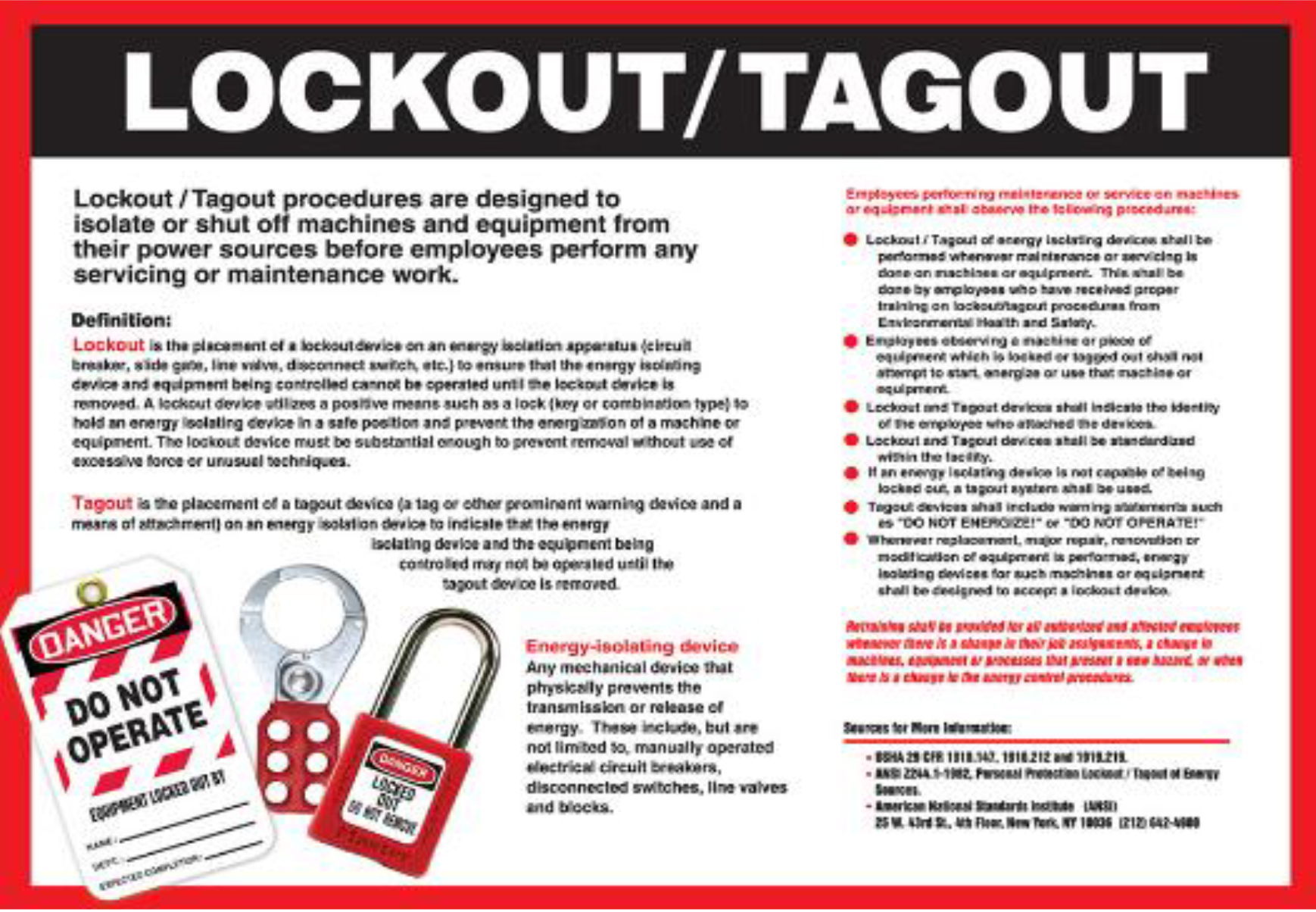
A lockout tagout tag is more than a compliance checkbox. It's a frontline defense against electrocution, amputation, crushing, and other life-altering incidents. Without a standardized template, tags become inconsistent, incomplete, or ignored.
OSHA 1910.147 requires that tags include specific information: - The name of the authorized employee applying the lock - Date and time of application - Reason for lockout - Equipment identification
When these elements are missing or haphazardly filled out, confusion spreads. One worker might assume a machine will be ready in an hour. Another sees no name or time and assumes it’s a forgotten tag. Miscommunication like this leads to bypassed procedures and accidental re-energization.
A standardized template eliminates guesswork. It ensures every tag contains the same critical data, in the same place, every time. This consistency builds trust in the system and reinforces safety culture.
Key Elements of an Effective LOTO Tag Template
A good lockout tagout tag template isn’t just compliant—it’s usable. It must be clear under stress, visible in low light, and durable in industrial environments. Here’s what every template should include:
1. Employee Name and Signature Line The person applying the lock must be clearly identified. A signature (or initials) adds accountability. Never use generic tags with “Maintenance” or “Unknown” as the name.
Example: Applied by: Jamie Rivera (Initials: JR)
2. Date and Time of Lock Application Precise timing helps track how long equipment has been locked and supports shift handover. Include both start time and expected release time if known.
Best Practice: Use 24-hour format to avoid AM/PM confusion.
3. Equipment Identification Vague descriptions like “Pump Area” won’t cut it. Use asset numbers, line names, or exact locations.
Strong Example: Equipment: Conveyor Line 3 – Main Drive Motor (Asset #C3-MTR-002)
4. Reason for Lockout
This explains why the lock exists. Is it routine maintenance? Emergency repair? Installation?
Clear Example: Reason: Motor bearing replacement – disassembly in progress
5. Department or Work Group Helps supervisors track team-specific activities, especially during complex outages.
6. Warning Statement A bold, pre-printed phrase like: “DO NOT OPERATE – EQUIPMENT LOCKED OUT FOR MAINTENANCE” This should be visible even from a distance.

7. QR Code or Barcode (Optional but Recommended) Modern templates include scannable codes linking to digital work orders, safety permits, or maintenance logs. This connects physical tags to digital systems.
Common Mistakes to Avoid with LOTO Tags
Even with a solid template, errors creep in. Here are the most frequent issues seen in the field—and how to fix them:
- Using Pencil or Faint Markers: Illegible handwriting defeats the purpose. Use bold, permanent markers.
- Leaving Fields Blank: “Unknown” or missing dates create ambiguity. If info isn’t available, the lock shouldn’t be applied.
- Reusing Tags: Tags are single-use. Reusing implies the lockout is still active when it may not be.
- Poor Placement: Tags must be affixed to the lock or energy-isolating device, not taped to a wall nearby.
- Non-Durable Materials: Standard paper tags degrade in wet, oily, or high-heat environments. Use laminated or synthetic tags.
One plant manager reported a near-miss when a maintenance worker removed a lock because the tag had faded beyond readability after two days outdoors. Switching to UV-resistant, weatherproof tags eliminated the issue.
How to Customize a LOTO Tag Template for Your Facility
A one-size-fits-all template rarely works across industries. Customize based on your operational needs.
Manufacturing Plant High machine density demands precise identification. Include:
- Shift number
- Supervisor contact
- Work order number
Utility or Energy Sector Long-duration outages require:
- Expected unlock date
- Multi-person lockout checklist
- Clearance verification box
Healthcare Facilities Medical equipment lockouts need:
- Patient impact warning
- Backup equipment status
- Biomedical technician ID
Construction or Mobile Teams Use waterproof, tear-resistant tags with large text. Include site location and crew leader name.
Pro Tip: Run a pilot test. Have three different technicians fill out the template during a planned shutdown. Review for clarity, consistency, and ease of use.
5 Ready-to-Use LOTO Tag Template Options
Instead of building from scratch, start with a proven base. Here are five reliable options—free and paid:
| Option | Format | Key Features | Best For |
|---|---|---|---|
| OSHA Standard LOTO Tag | PDF / Print | Pre-filled OSHA-compliant fields, bilingual (EN/ES) | General industry, compliance-first environments |
| Creative Safety Supply Template | Editable PDF | QR code field, dual-language support, durable tag stock | High-risk or multilingual teams |
| Grainger LOTO Tag Generator | Online Tool | Customize fields, print on-demand, pre-sized for tag printers | Facilities with digital workflows |
| SafetySign.com Custom Tags | Fully Custom | Full-color printing, custom logos, barcodes | Large organizations needing brand consistency |
| Free Industrial Safety Template (GitHub) | Open Source PDF | Editable in Adobe Acrobat, no watermarks | Budget-conscious teams wanting flexibility |
Choose based on your workflow. If you use digital maintenance logs, go for templates with QR integration. If speed is critical, use pre-printed rolls compatible with handheld tag applicators.
Integrating Tags into Your LOTO Workflow
A tag is only as strong as the system behind it. Here’s how to embed it into daily operations:

- Pre-Work Briefing: Review all active locks and tags during team huddles.
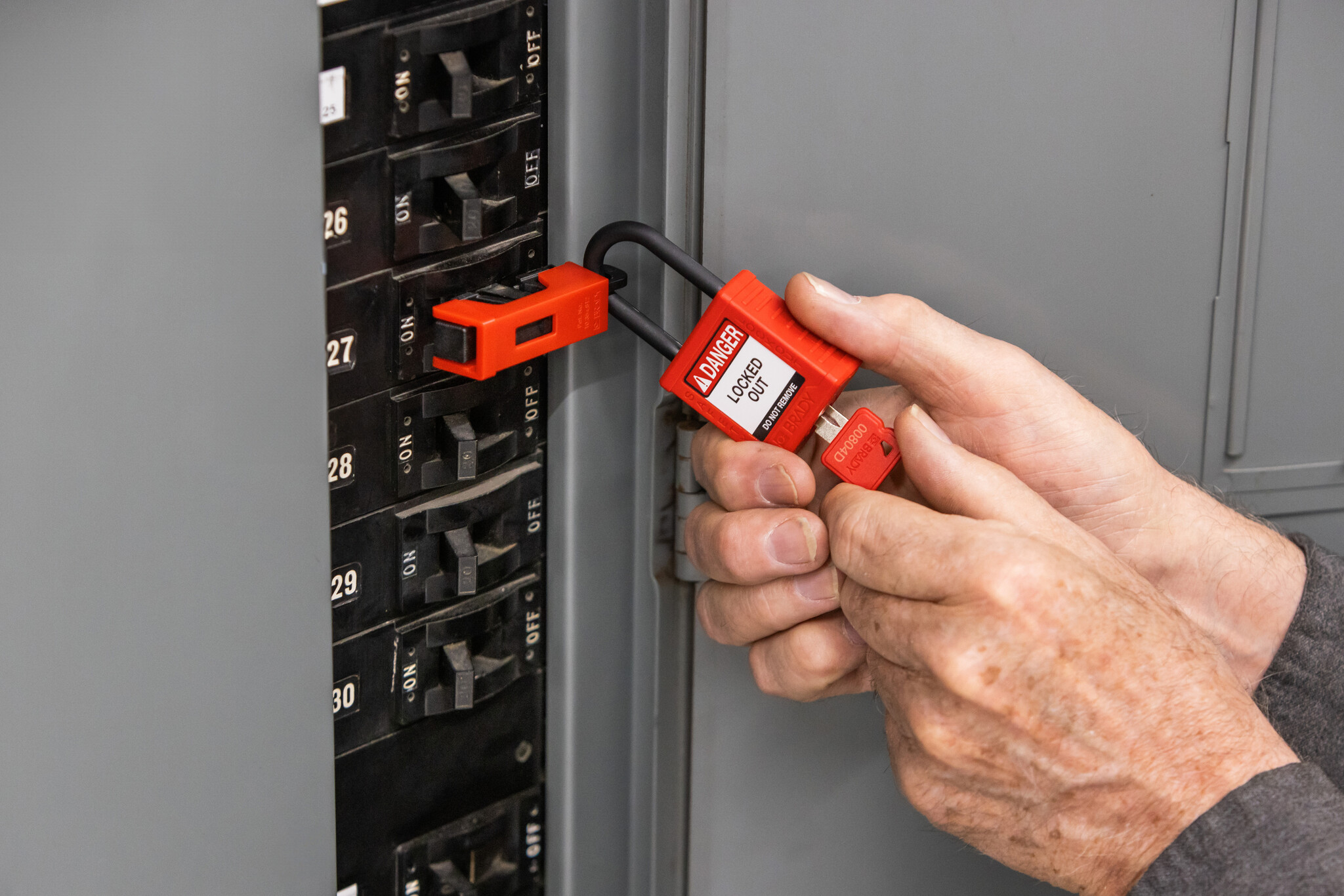
- Tag at Isolation Point: Apply the tag as you lock out—never before or after.
- Verify Before Restart: Supervisors must inspect tags and equipment before clearance.
- Remove Only by Owner: Only the original employee removes their lock and tag.
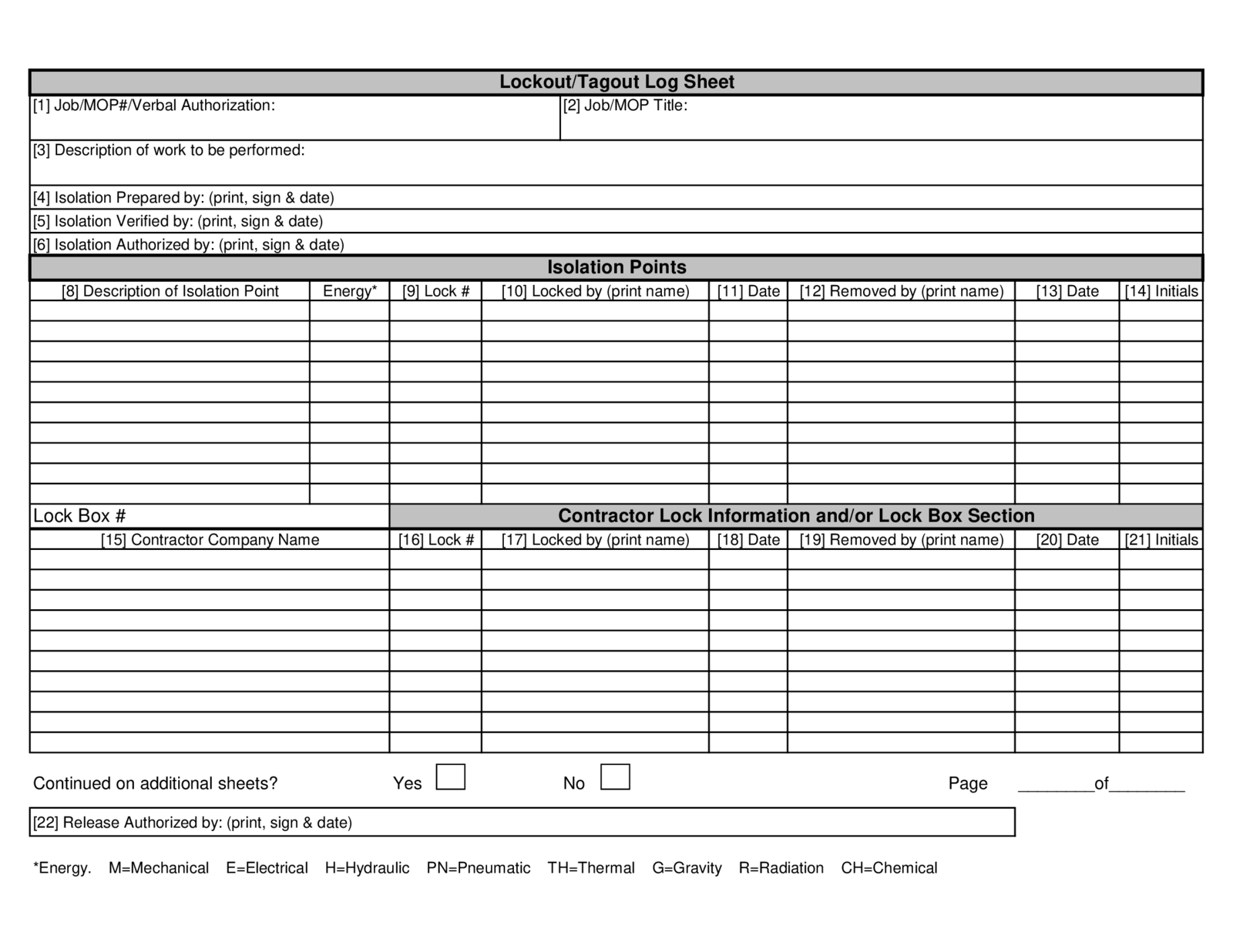
- Log and Archive: Keep digital or physical records for audits.
One facility reduced LOTO errors by 70% after introducing a “tag wall” in the control room—displaying all active tags with photos of the locked equipment. Transparency improved awareness and reduced unauthorized removals.
Material and Design Considerations
Not all tags are created equal. Choose materials that match your environment:
- Indoor, Dry Areas: Laminated cardstock or standard polypropylene
- Outdoor or Wet Conditions: Vinyl or polyester with UV protection
- High Heat or Chemical Exposure: Stainless steel or ceramic tags
Size matters too. Tags under 4” x 6” may lack space. Over 6” x 8” can be unwieldy. 5” x 7” is ideal for most applications.
Color coding adds another layer of safety: - Red: Standard lockout - Yellow: Caution, warning tag (not lockout) - Orange: Maintenance in progress - Blue: Used by contractors
Ensure high-contrast text—black on red or yellow—never light text on light backgrounds.
Final Thoughts: Your Tag Is a Lifesaver—Treat It That Way
A lockout tagout tag template isn’t paperwork. It’s a safety covenant between workers. When properly designed and used, it prevents tragedies, ensures compliance, and builds a culture where safety is non-negotiable.
Start today: audit your current tags. Are they complete? Durable? Clear? If not, redesign using the elements above. Print a batch. Train your team. Test it in real scenarios.
The best template is the one that’s used correctly, every single time. Make yours impossible to ignore—and impossible to ignore.
FAQ
What information must be on a lockout tag? A lockout tag must include the employee’s name, date and time of application, equipment ID, and reason for lockout. OSHA requires these to ensure accountability and clarity.
Can I use a generic “Maintenance in Progress” tag? No. Generic tags lack accountability and violate OSHA standards. Each tag must identify the specific authorized employee.
Are digital LOTO tags acceptable? Yes, if they’re tamper-proof, visible at the isolation point, and contain all required information. Many facilities use QR-coded physical tags linked to digital logs.
How long can a LOTO tag remain in place? There’s no time limit, but the lock must be removed by the original employee. For extended outages, shift交接 requires a formal handover process with new tags applied.
Should LOTO tags be bilingual? If your workforce uses multiple languages, yes. Bilingual tags (e.g., English/Spanish) improve understanding and safety for all employees.
Can a tag alone provide energy isolation? No. Tags are warnings. Only a physical lock on an energy-isolating device provides control. Tags support but don’t replace locks.
Where can I download a free LOTO tag template? OSHA’s website offers basic templates. Reputable safety suppliers like Grainger and Creative Safety Supply also provide free, customizable versions.
FAQ
What should you look for in Lockout Tagout Tag Template: A Practical Guide for Safety Teams? Focus on relevance, practical value, and how well the solution matches real user intent.
Is Lockout Tagout Tag Template: A Practical Guide for Safety Teams suitable for beginners? That depends on the workflow, but a clear step-by-step approach usually makes it easier to start.
How do you compare options around Lockout Tagout Tag Template: A Practical Guide for Safety Teams? Compare features, trust signals, limitations, pricing, and ease of implementation.
What mistakes should you avoid? Avoid generic choices, weak validation, and decisions based only on marketing claims.
What is the next best step? Shortlist the most relevant options, validate them quickly, and refine from real-world results.